Headless Browser in Magic
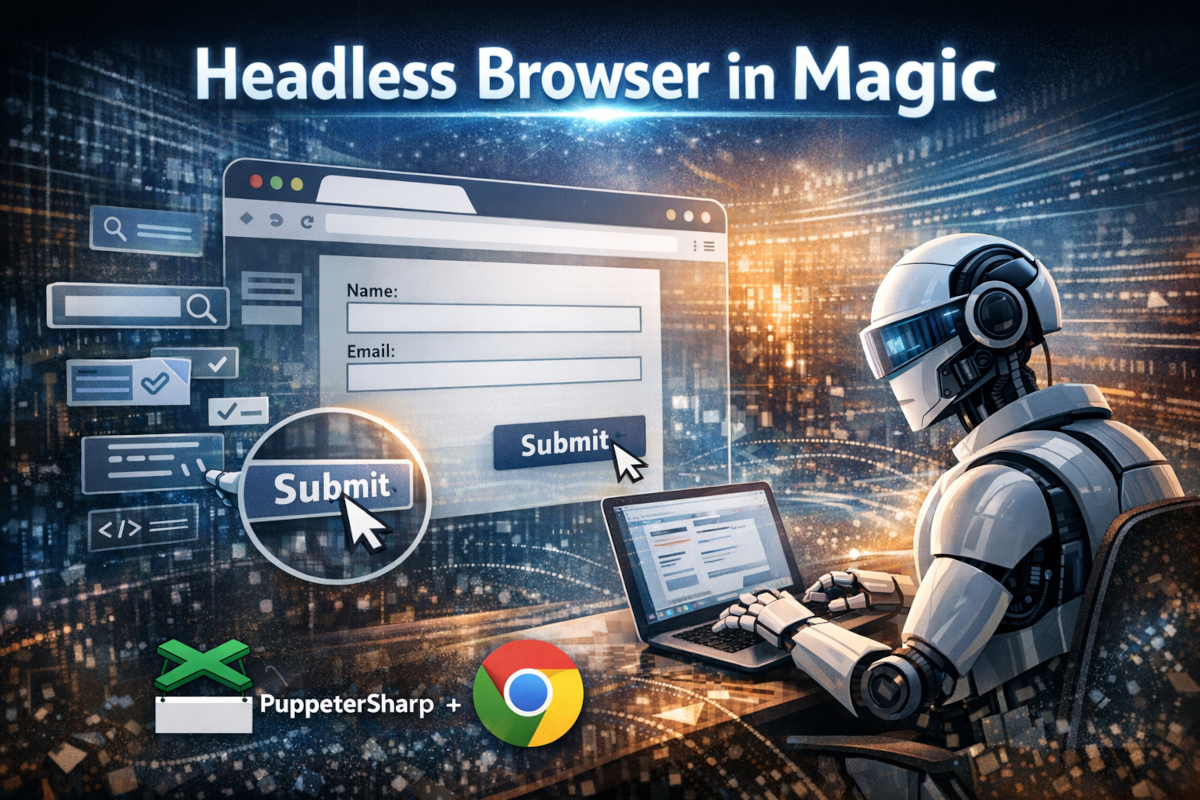
We've just added headless browser slots to Hyperlambda and Magic. This allows you to create AI agents that are browsing the web, impersonating a human being, by filling out forms, clicking buttons, etc.
This is basically what's at the core of projects such as OpenClaw, and it's implemented by having a "real browser" spawned up, and interacting with it through its API. Specifically, Magic is using Google Chrome through PuppeteerSharp.
These slots will 100% perfectly simulate a human being, and can add keystrokes into textboxes, with a configurable amount of wait time between each keystroke. It can click buttons in forms. It can take screenshots. And it can select items from drop downs. Watch me demonstrate these features in the following video.
Combined with GPT-5.2-codex which is our default AI agent model, this allows you to give it tasks such as for instance.
- "Find the 'contact us' form at ainiro's website, fill it out, and submit it"
Security
When allowing your AI agent to browse the web a lot of things can go wrong. One of the ways we've reduced the threat level is by ensuring the browser runs from within the context of a custom user account, at the operating system level. This user account does not have write access to any files outside of the dynamic Hyperlambda files folder.
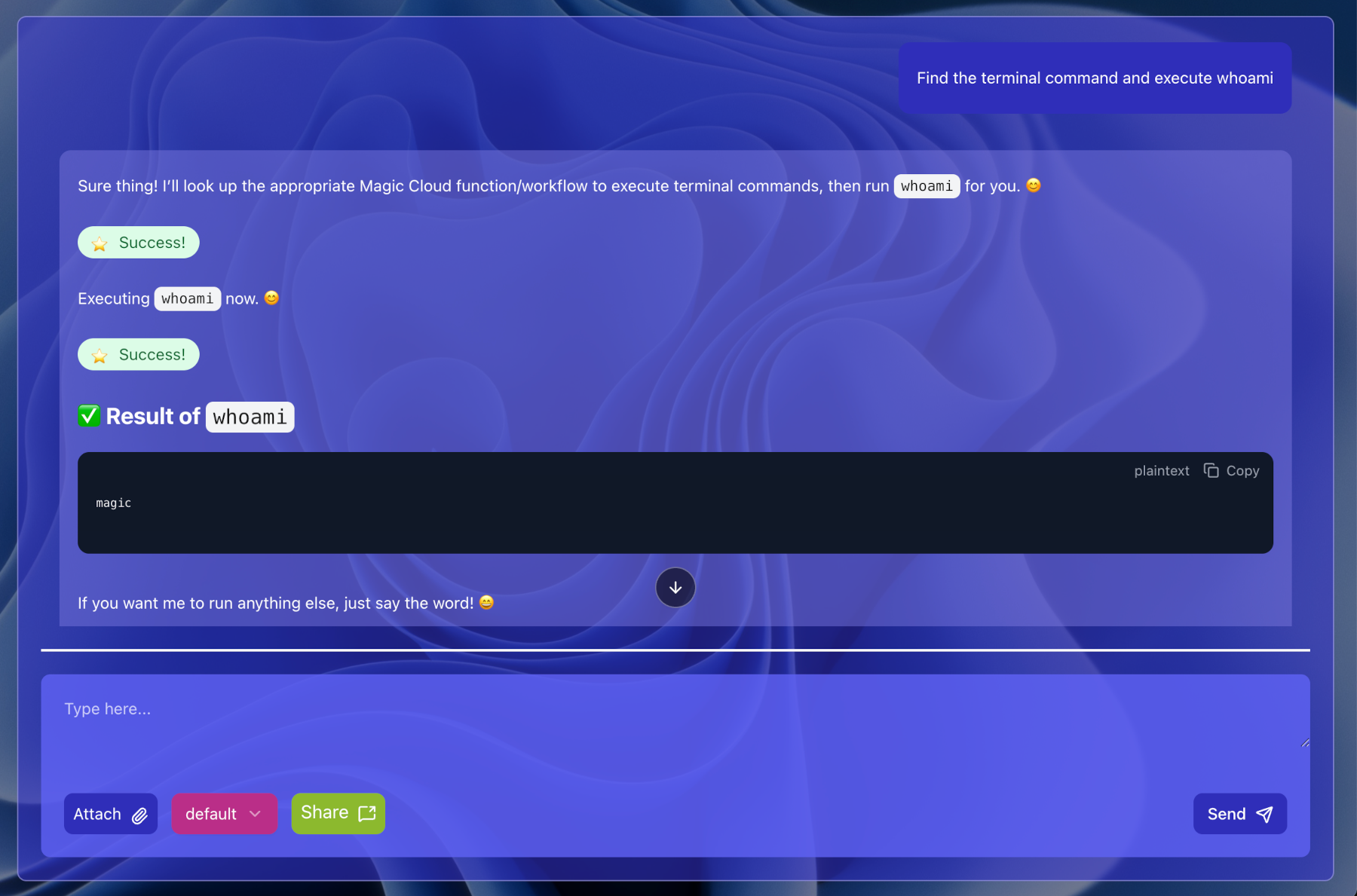
This implies that even if there's a security hole in Google Chrome, it won't propagate to the core system.
Memory
A headless chrome instance consumes huge amounts of memory. 1GB seems to be the least you can get away with. This means you have to be careful with how you're using it, and in fact it's got a maximum of 5 open sessions for each tenant hard coded into its code.
However, we've done everything we can to reduce this problem. One detail is that if you open a session, use it, and leave it inactive for 15 minutes, it will automatically be closed. Since each session on average consumes 1GB of memory, that's kind of a very big deal. However, even with such mechanisms in place, you have to be careful when using it, to avoid having your cloudlet "drop" due to running out of memory.
Wrapping up
Magic is 100% open source, and you can download it here. The setup process takes 5 minutes if you're using Docker. Starting from today, you can use PuppeteerSharp as a headless browser library, and create automations "simulating" human beings.
If you're interested in talking with us, about this subject or other subjects, feel free to reach out to us below.