HOWTO keep your RAG Database DRY during Website Scraping
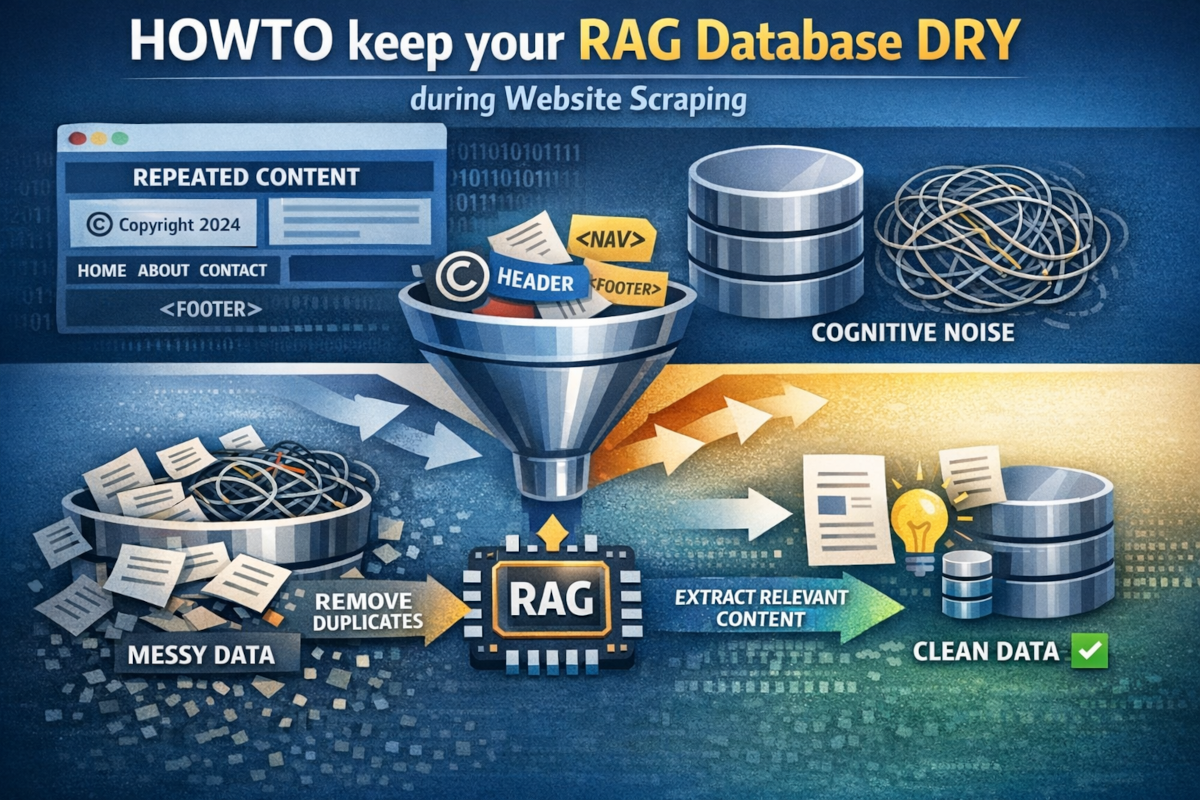
DRY implies "Don't Repeat Yourself", and is crucial when it comes to anything related to software development, including how to create your RAG database. You see, if you look at your website, you will find tons of repeating information; Its copyright notice, navbar, header, footer, etc, etc, etc.
Unless you remove this before creating your RAG database, you're repeating the same information for every single RAG training snippet you've got, which is not only a waste, but also prevents the LLM from getting access to all the information it needs to answer your user's questions.
We refer to this data as "cognitive noise".
How to keep your RAG database "DRY"
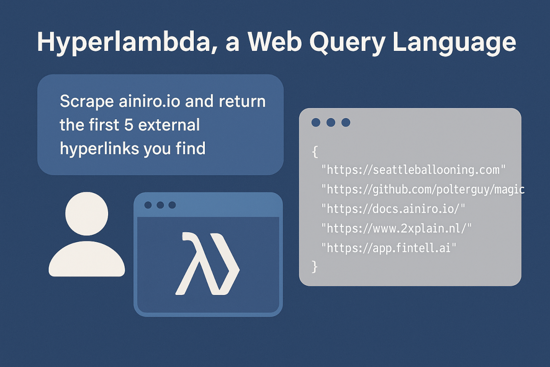
In the following video, I'm demonstrating how to "semantically" crawl and scrape a website instead. The point is that instead of just scraping the whole content, and dumping it into my database, I use the Hyperlambda generator to "generate" a custom Hyperlambda script, that only imports the unique parts, from every single web page in my site.
In the above video the most extrem saving is 5x. That's from simply "dumping the HTML into the database" to the much more refined version "extract article element and transform to Markdown".
- HTML is 9,500 tokens
- Pure Markdown of only ARTICLE element is 2,000 tokens
Savings becomes almost 5x or 500%! However, even for the most "optimal" version, that only returns Markdown of the whole page, you'd still be looking at 50% improved RAG quality - And everything was done from Magic's dashboard, using natural language as follows ...
Crawl ainiro.io's sitemap for all URLs containing the string '/blog/', and extract the TITLE element, in addition to the Markdown of the first ARTICLE element you find. Then for each of these, insert into database 'magic' and table 'ml_training_snippets' using 'type' of 'next', and 'prompt' as TITLE and 'completion' as the Markdown.
So basically, a little bit more work, but the result becomes 300% "better" ...