Skip Supabase: How Claude Built a Role-Secured CRM — Database, API, Email, and Frontend — in One Conversation
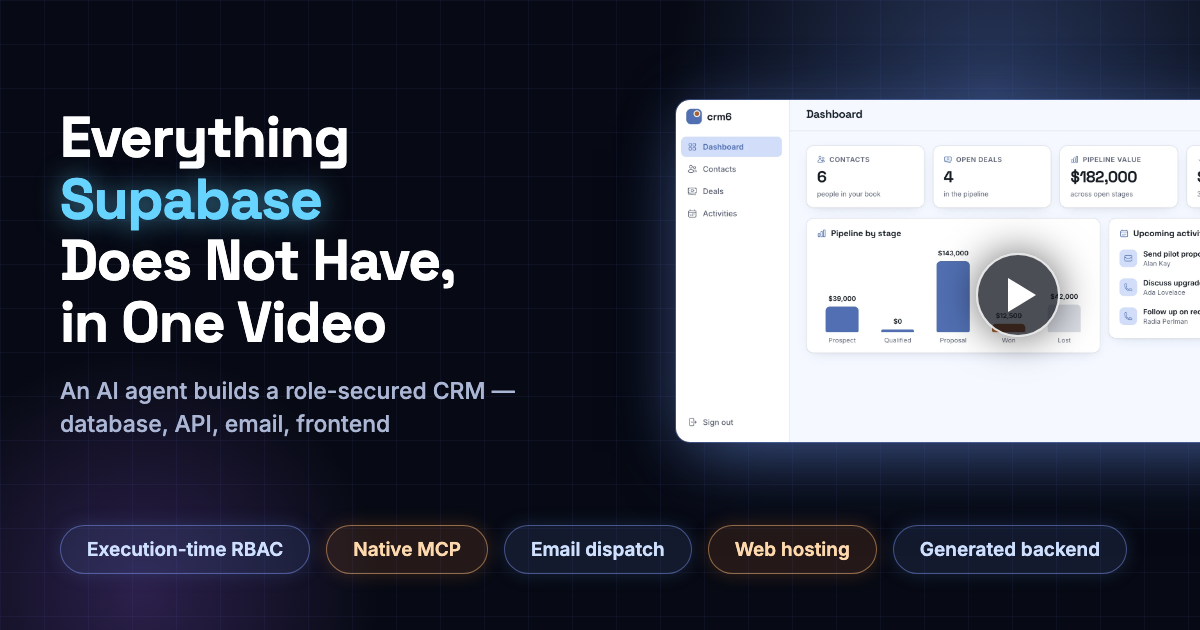
Think about what it takes to ship a small CRM on a traditional stack today.
You create a Supabase project for the database and auth. You write row-level security policies for every table. You write an edge function for anything the auto-generated API can't do. You sign up for Resend or SendGrid to send email. You deploy the frontend to Vercel or Netlify. Then you wire all of it together and pray the CORS gods are merciful.
That's four services, a handful of dashboards, and a security model you have to implement correctly yourself.
We did the whole thing in one conversation instead.
Claude - connected to AINIRO's Magic Cloud over MCP - was given a single prompt, and built a complete, role-secured CRM. Database, API, email, and frontend. This article walks through it step by step, and you can watch the entire build in the video below.
The prompt
The prompt was, in spirit, the following.
Create a new app named "crm6". I need a database with 3 tables, a CRUD web API, the ability to send emails to contacts, and a modern designed frontend at "/crm6". Only allow users belonging to the role "guest" to invoke the API.
Notice what's missing. No schema. No endpoint list. No framework choice. No security implementation details. We described the outcome, and let the machine figure out the wiring.
Step 1: The database
Claude started by creating a SQLite database called crm6, with three tables.
contacts- name, email, phone, company, and statusdeals- title, amount, stage, and a foreign key to contactsactivities- type, notes, due date, done flag, and a foreign key to contacts
Foreign keys, sensible defaults, and seed data included, so the app had something to show from the first render.
On Supabase this part is honestly fine - Postgres is great at being Postgres. The difference starts with what happens next.
Step 2: The secured CRUD API
Claude then used Magic's CRUD generator to produce the API. Twelve declarative invocations - one per verb per table - produced 722 lines of Hyperlambda, giving us GET, POST, PUT and DELETE endpoints for every table, plus record-count endpoints. Sixteen endpoints in total, live on the cloudlet the moment they were generated.
And here is the Supabase edge, stated plainly.
Every single endpoint declares that it requires the guest role, and the runtime enforces that check before any endpoint logic executes. Claude didn't implement security. It declared it.
On Supabase, securing this API means writing row-level security policies, per table, in SQL, and hoping every piece of generated code respects them - while the service-role key that bypasses everything sits in an environment variable. When an AI writes your application, every generation is a fresh chance to get that wrong. On Magic, the generated code never gets a vote. Access control is a property of the platform, not of the code.
Step 3: Email, without a third-party email service
The prompt asked for the ability to send emails to contacts. On the traditional stack this is where you'd add a Resend account, an API key, and an edge function.
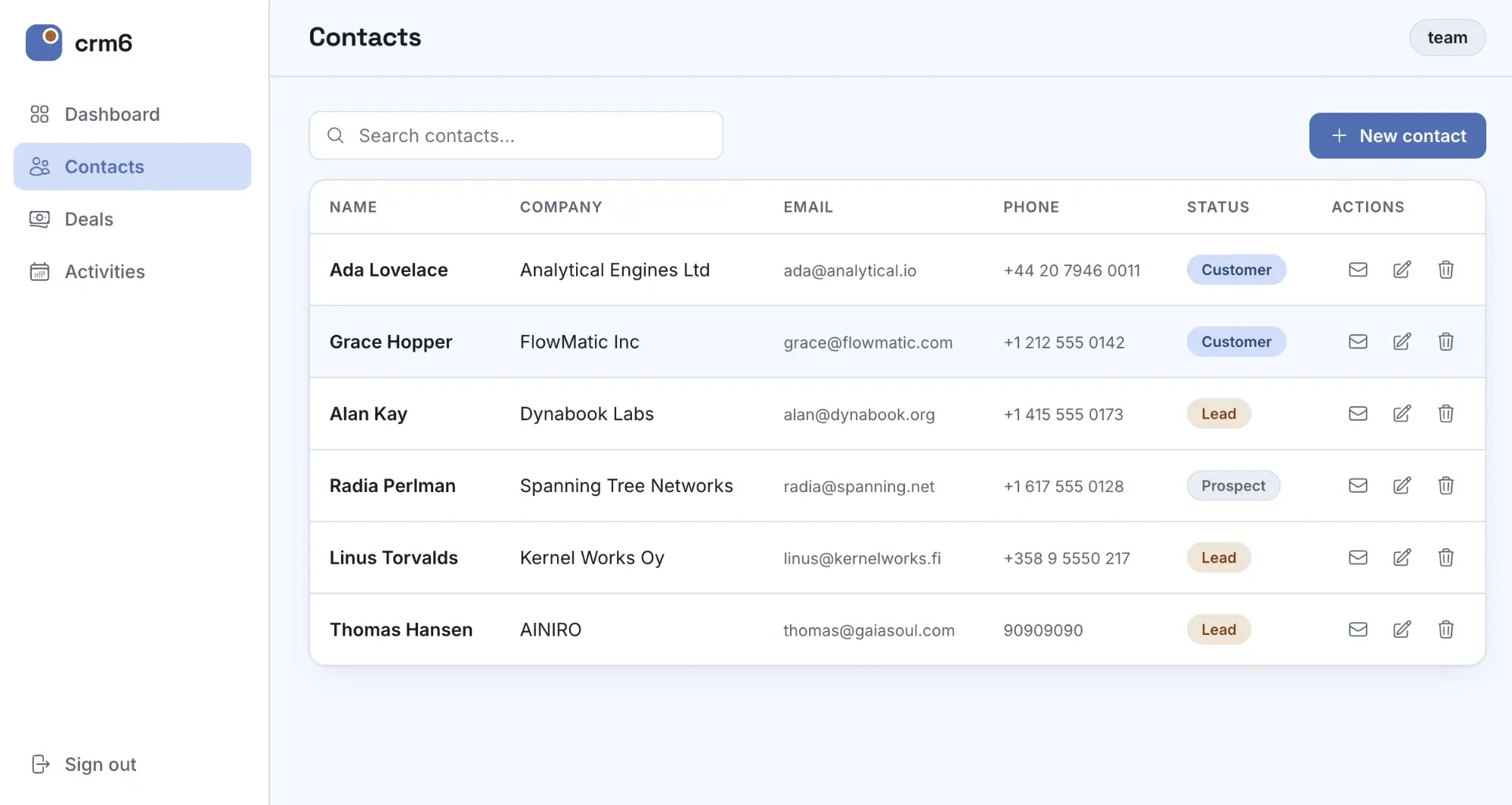
Claude instead described the endpoint to Magic's Hyperlambda Generator in plain English: look up the contact's name and email address, throw if the contact doesn't exist, send the email, and only allow guest users to invoke it.
The generator produced the working endpoint in 7.6 seconds. Measured, not estimated.
SMTP is configured once, at platform level. The application - and the AI writing it - never touches a mail-provider credential, because there isn't one in the application.
Step 4: The frontend, served by the same platform
No Vercel. No Netlify. No separate hosting product at all.
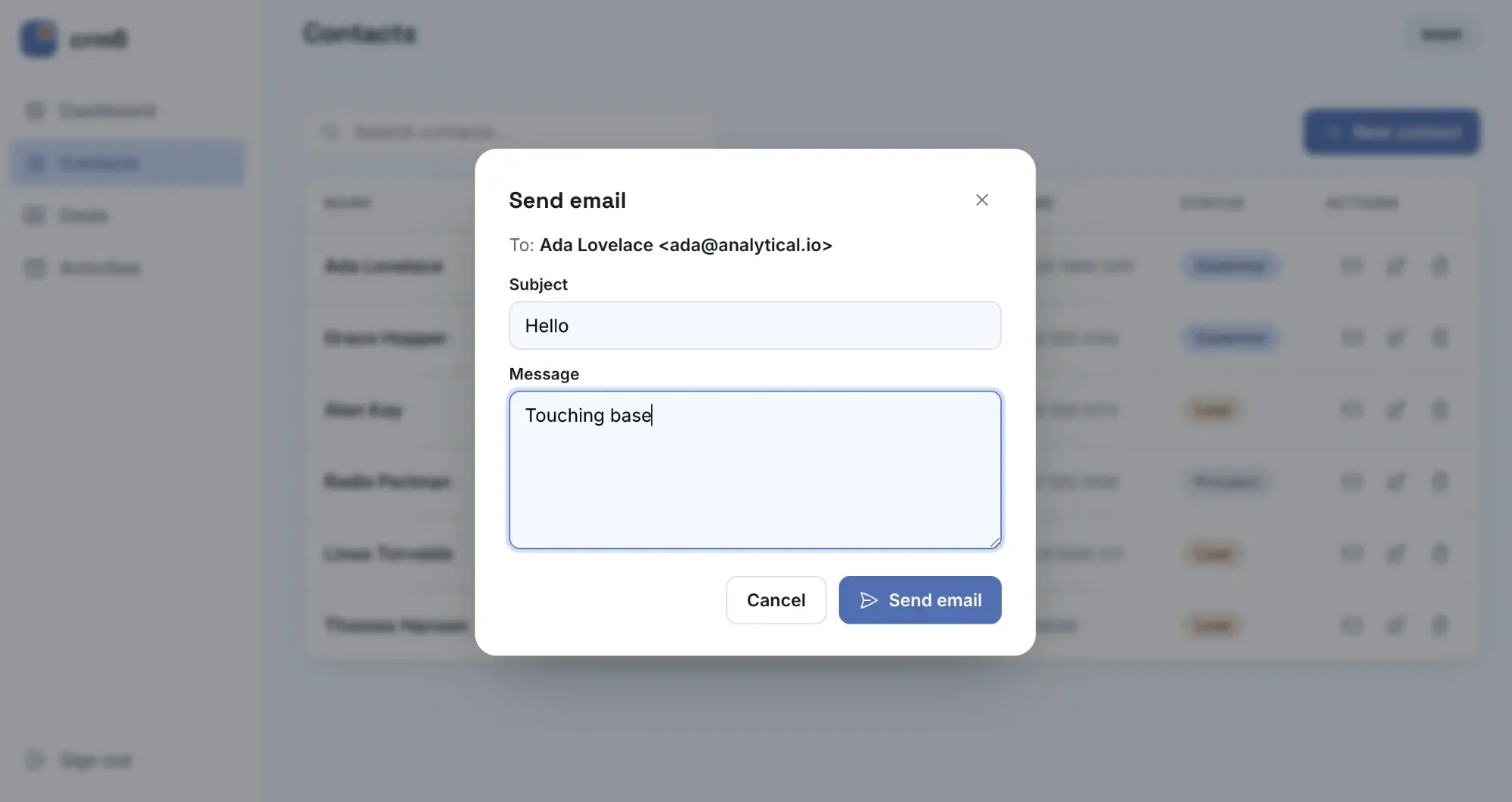
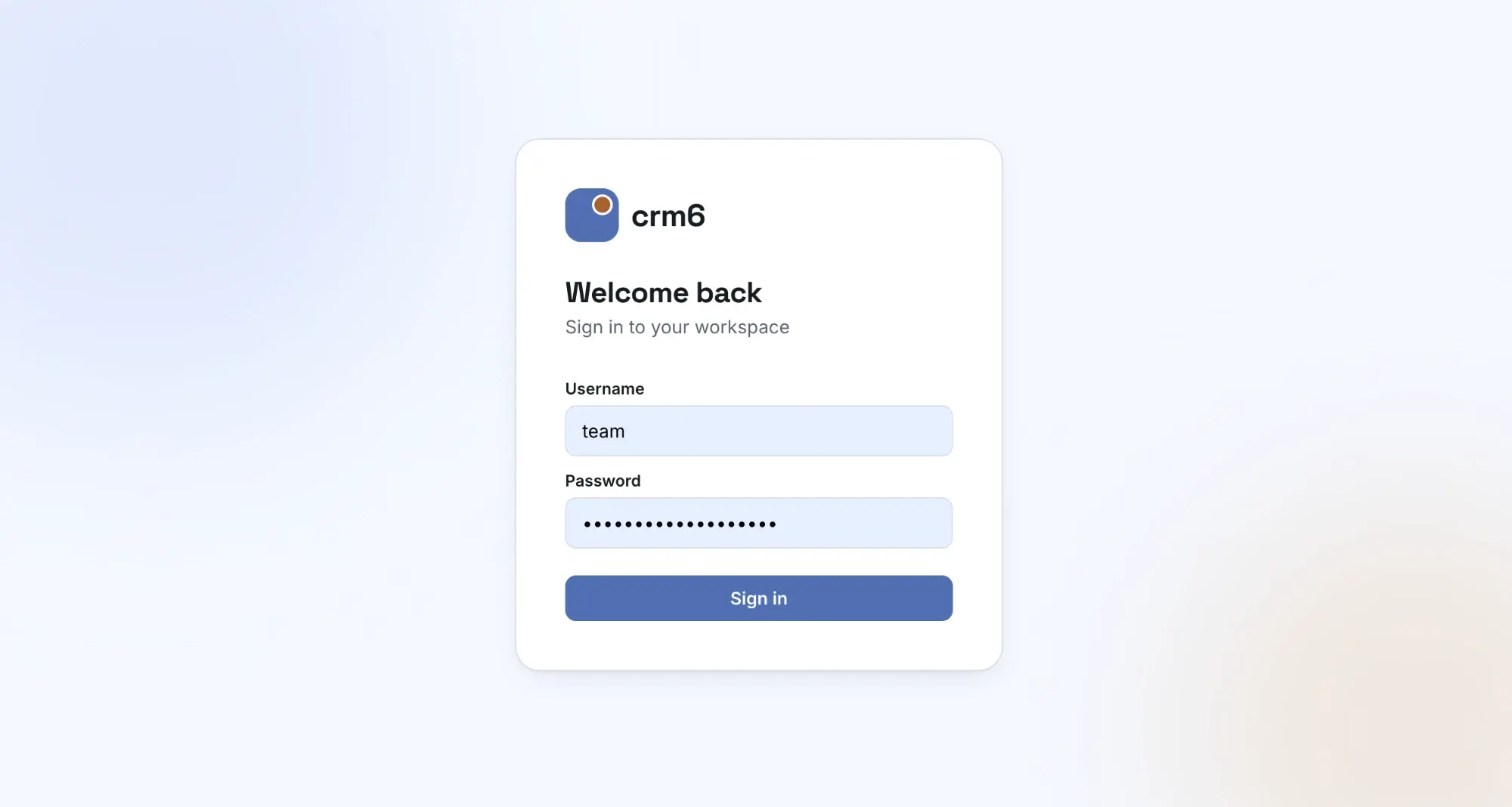
Claude wrote three files - HTML, CSS, and JavaScript - straight into the cloudlet's file system, and the app was live at its URL the moment the files were saved. Same host as the API, which also means no CORS configuration. The frontend logs in against Magic's built-in JWT authentication, and refreshes its ticket automatically every ten minutes.
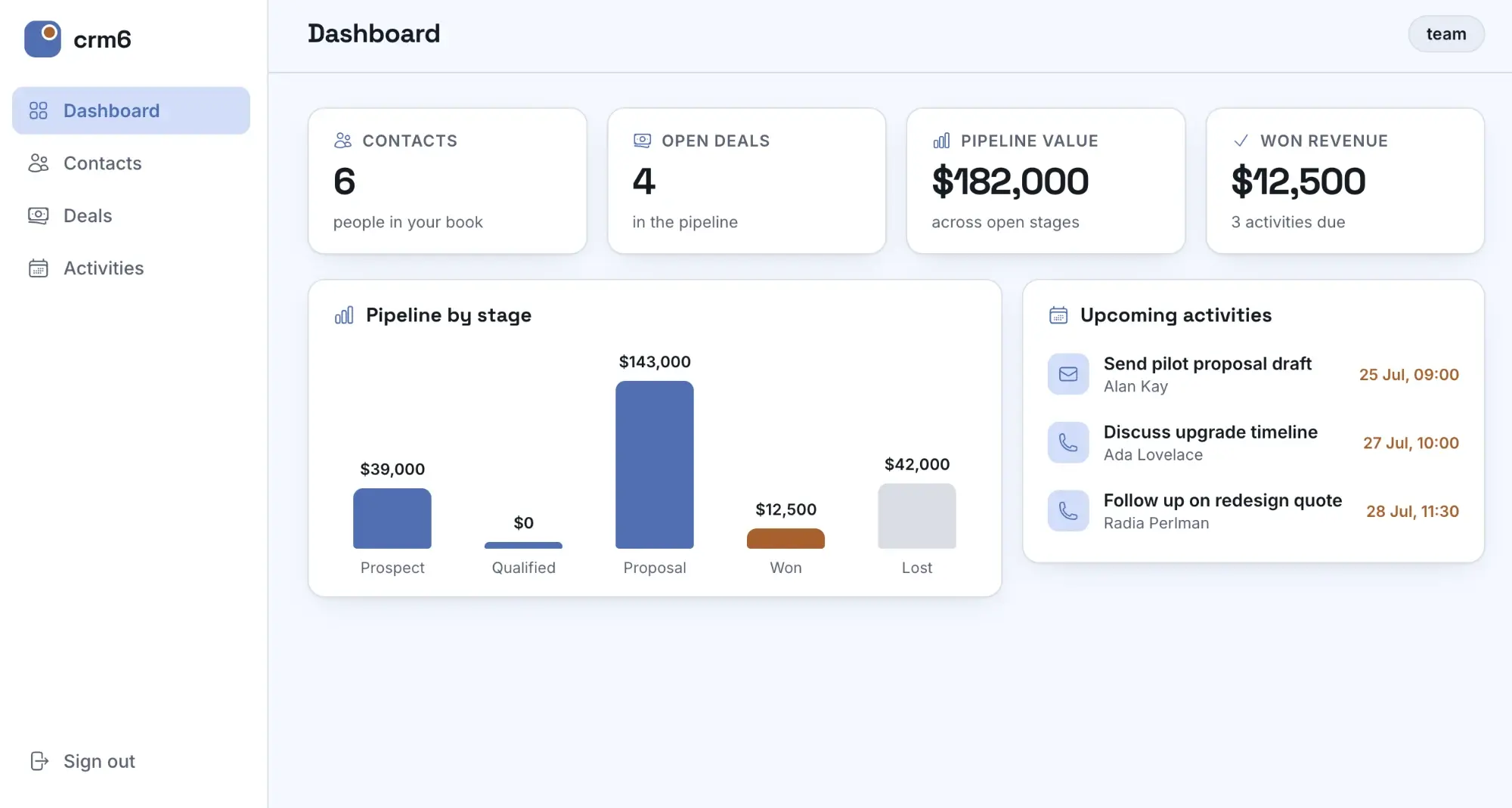
The app itself got a dashboard with KPI cards, a pipeline-by-stage chart, and upcoming activities.
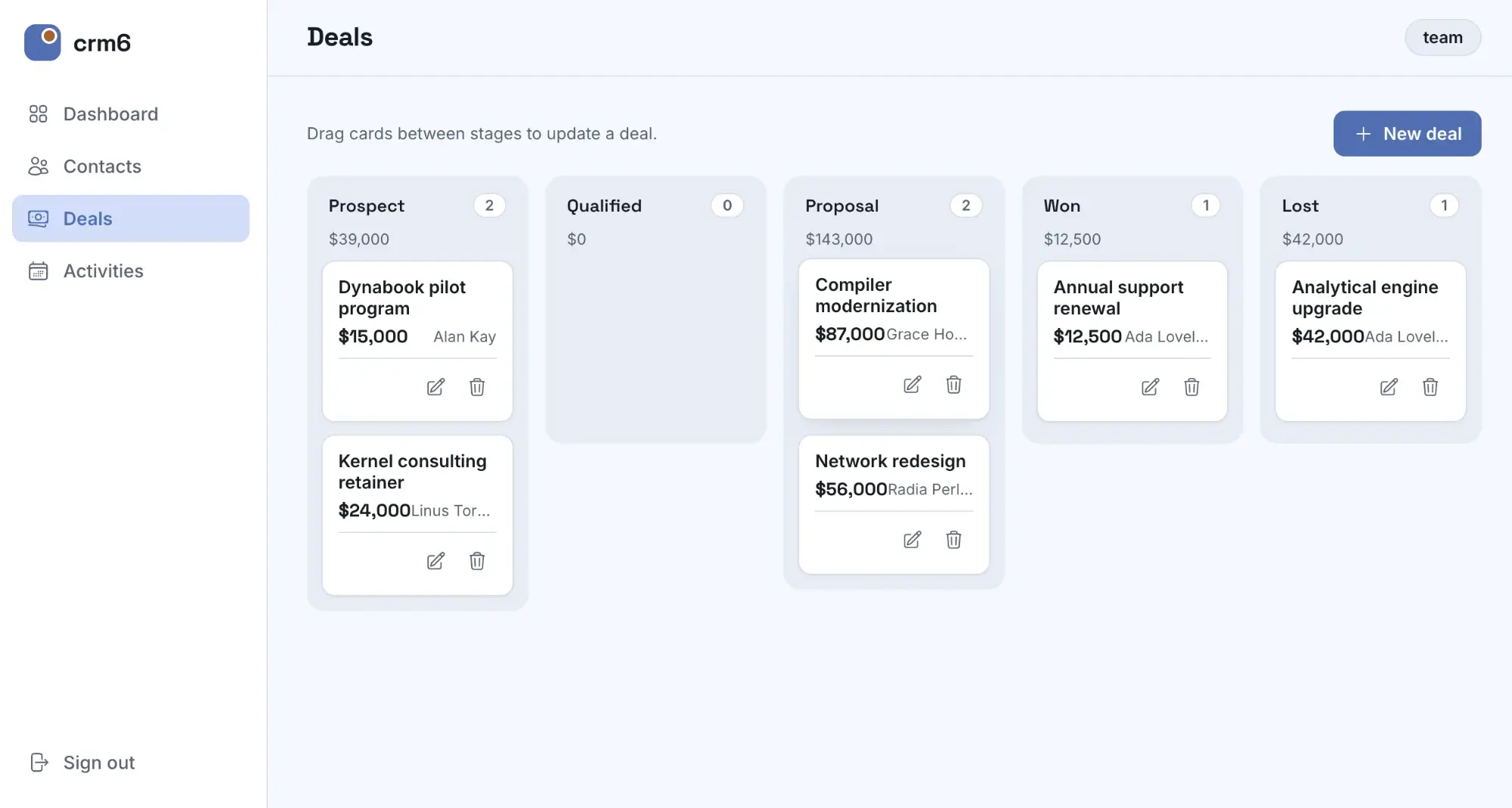
Plus a drag-and-drop deals kanban - drag a card to another stage, and the deal is updated through the same guest-secured API.
Step 5: Verification
Generated software that hasn't been verified is just speculation, so the build ended the way it should.
- Anonymous requests were fired against the CRUD endpoints and the email endpoint - every one of them rejected with a 401.
- The frontend was rendered in a browser and every view checked - login, dashboard, contacts, deals, and activities.
- The seeded numbers on the dashboard were checked against the data.
Only then was the job reported as done.
What we never had to do
This is the part worth sitting with. Compared to the Supabase-stack version of this build, here is what simply never happened.
- No row-level security policies were written - or gotten wrong
- No edge functions were written by hand
- No third-party email service was signed up for
- No separate frontend hosting was configured
- No CORS was configured
- No auth library was installed
- No service-role key existed for generated code to leak or misuse
One prompt. One platform. One conversation. A working, role-secured CRM.
Wrapping up
The interesting question isn't whether AI can generate code. It's what platform you hand it. Give an AI a stack where security lives inside the code it generates, and every generation is a risk you have to review. Give it a platform where security is enforced by the runtime, and the worst a bad generation can do is fail.
That's why the build you just read about was possible - and why it's reproducible on any Magic cloudlet, today.
If you want to explore Magic Cloud for yourselves, you can find our open source repository below.
If you'd rather have us help you build something similar for your own use case, you can contact us below.